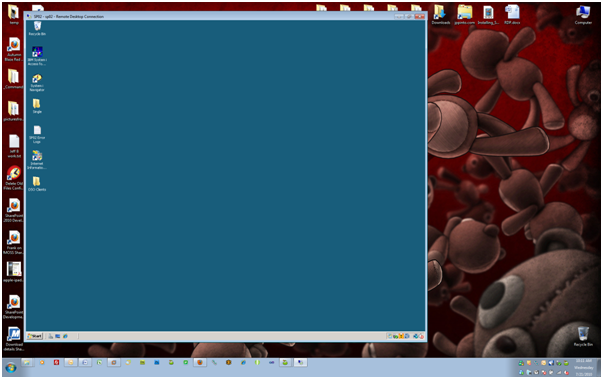
Remote Desktop Connection (RDP/RDC) will automatically resize when moving it |
Jul
21
|
| « How to Configure IIS SMTP Server to forward emails using a Gmail account | How to change the listening port for RDC/RDP (Remote Desktop Connection) » |
Background: I have a bunch of RDP files which I use to connect to all my servers. I like to set them to 1024×768 so I can fit many desktops within my desktop.
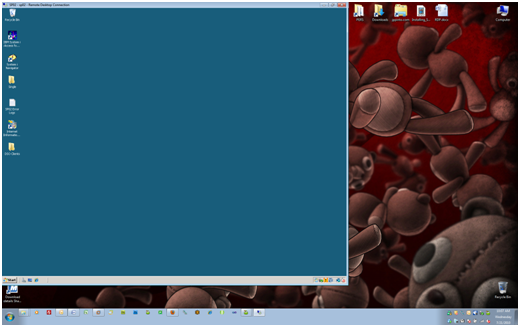
Problem: When I started using Windows 7, I was really annoyed when I tried to move my RDP window, it would resize itself and I would manually need to adjust its size back to normal.
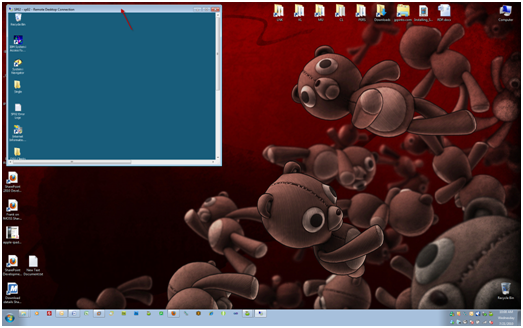
Note: This fix will prevent Windows from auto adjusting windows in your applications. If you drag an Office Word window to the right or left side of the screen it will auto dock the applications window and use 50% of the desktop. This is useful when working on 2 Word documents and you want to quickly put them side by side. I have elected to give this up because I use RDP a lot.
Fix:
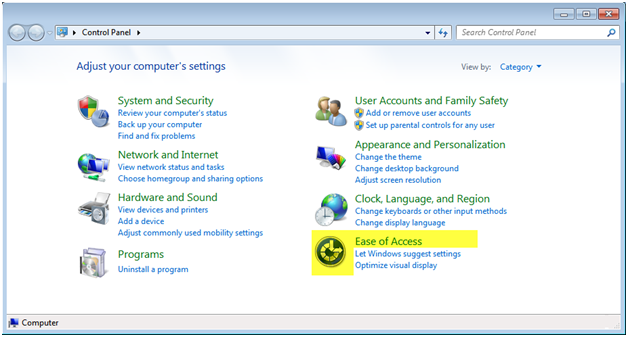
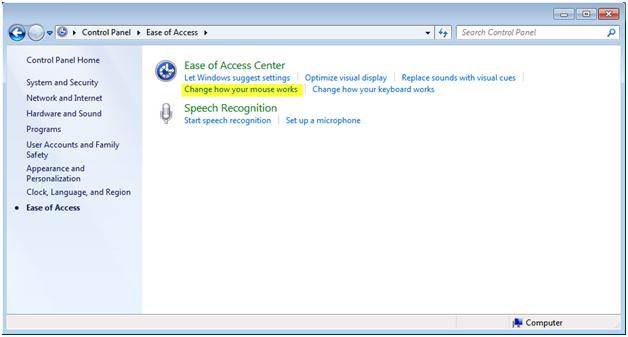
Open Control Panel
Select “Ease of Access”
Press “Change how your mouse works”
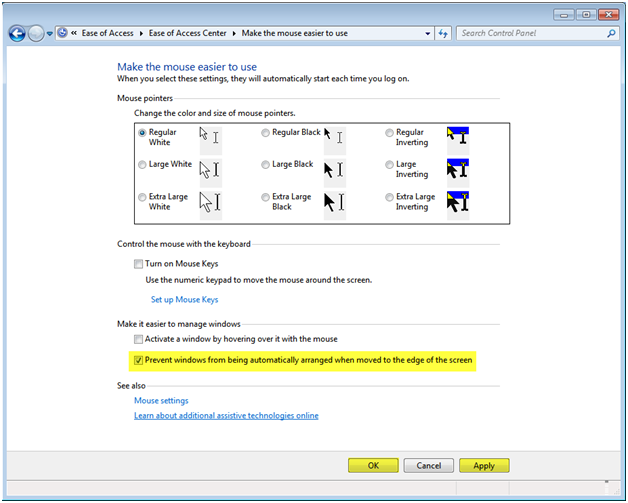
Check off the “Prevent windows from being automatically arranged when moved to the edge of the screen” option
Press “Apply” – if you just press “OK”, it will not work until you reboot
Press “OK”
You should now be able to freely move your RDP session without it resizing